
The ultimate way to review, compare, and share your favorite LiquidSpace workspaces is by creating your own customized collections. Easily access your favorite spaces, share a list of potentials with your team, or day dream about awesome spaces - LiquidSpace Collections is perfect for you.
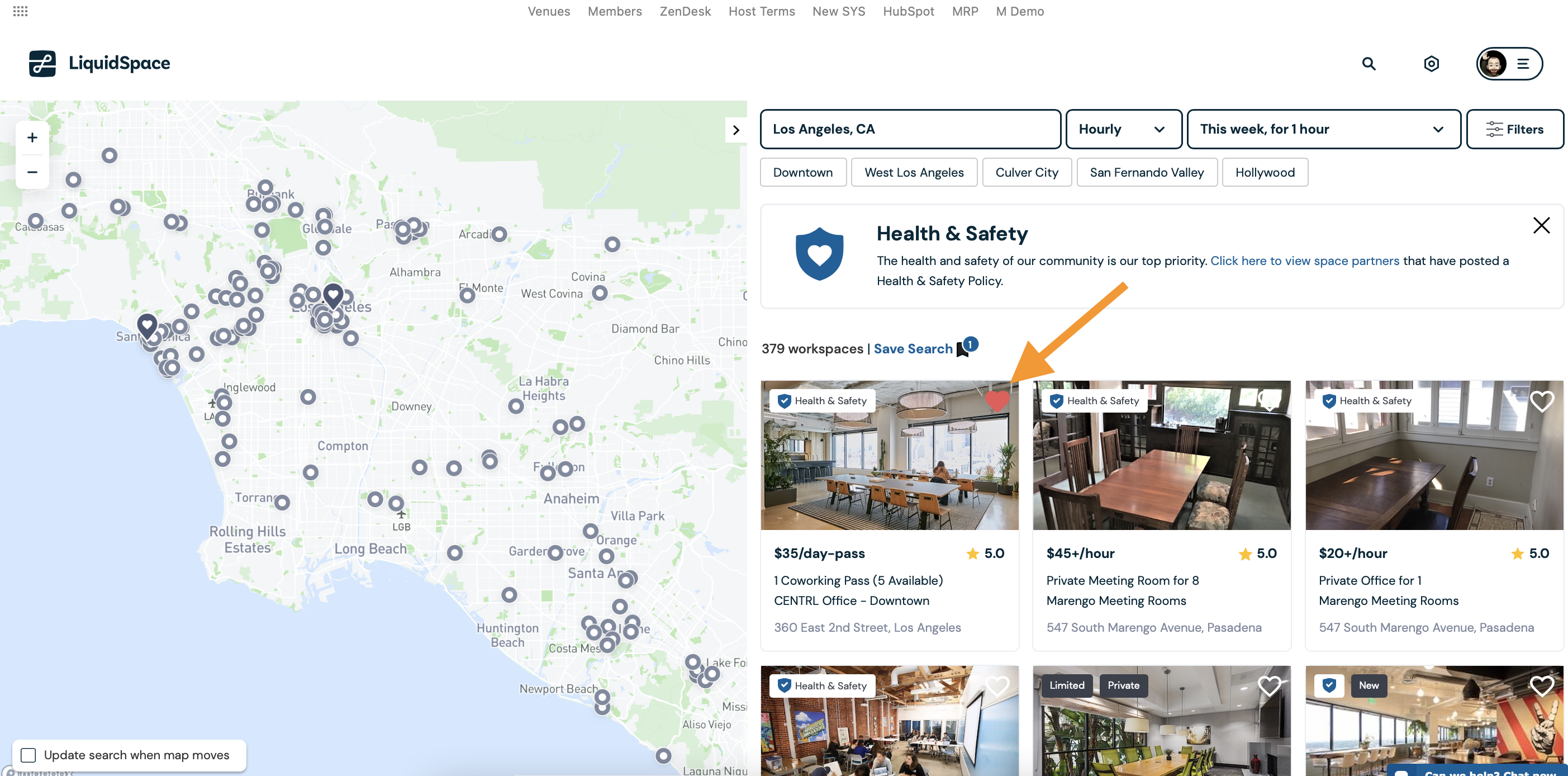
To add spaces to a collection, simply search our inventory in your area then click the "heart" icon on the top right of the spaces you're interested in.
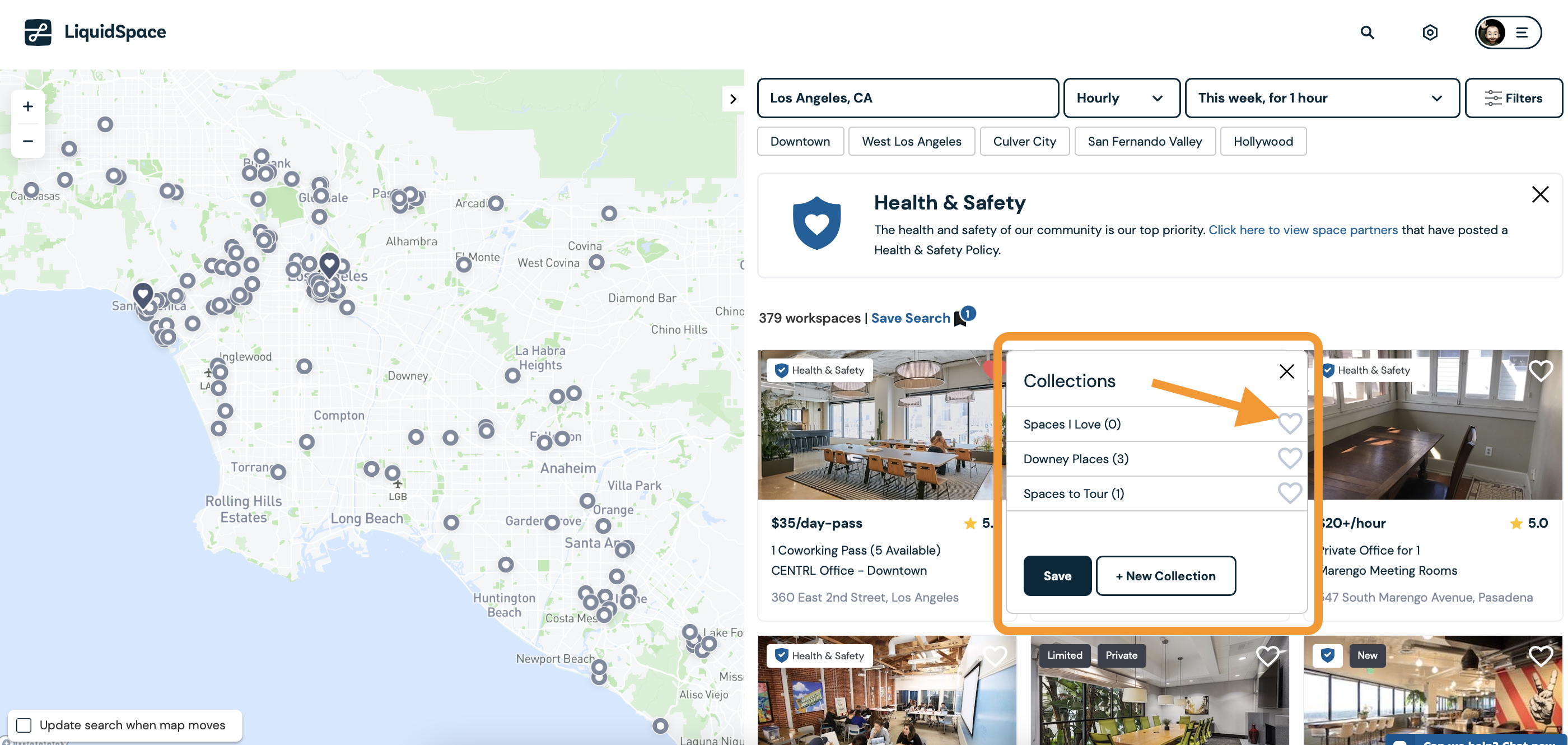
You'll be prompted to choose which collection(s) to add your space to by clicking the heart next to the desired collection. You can also add a new collection to your list by clicking New Collection.
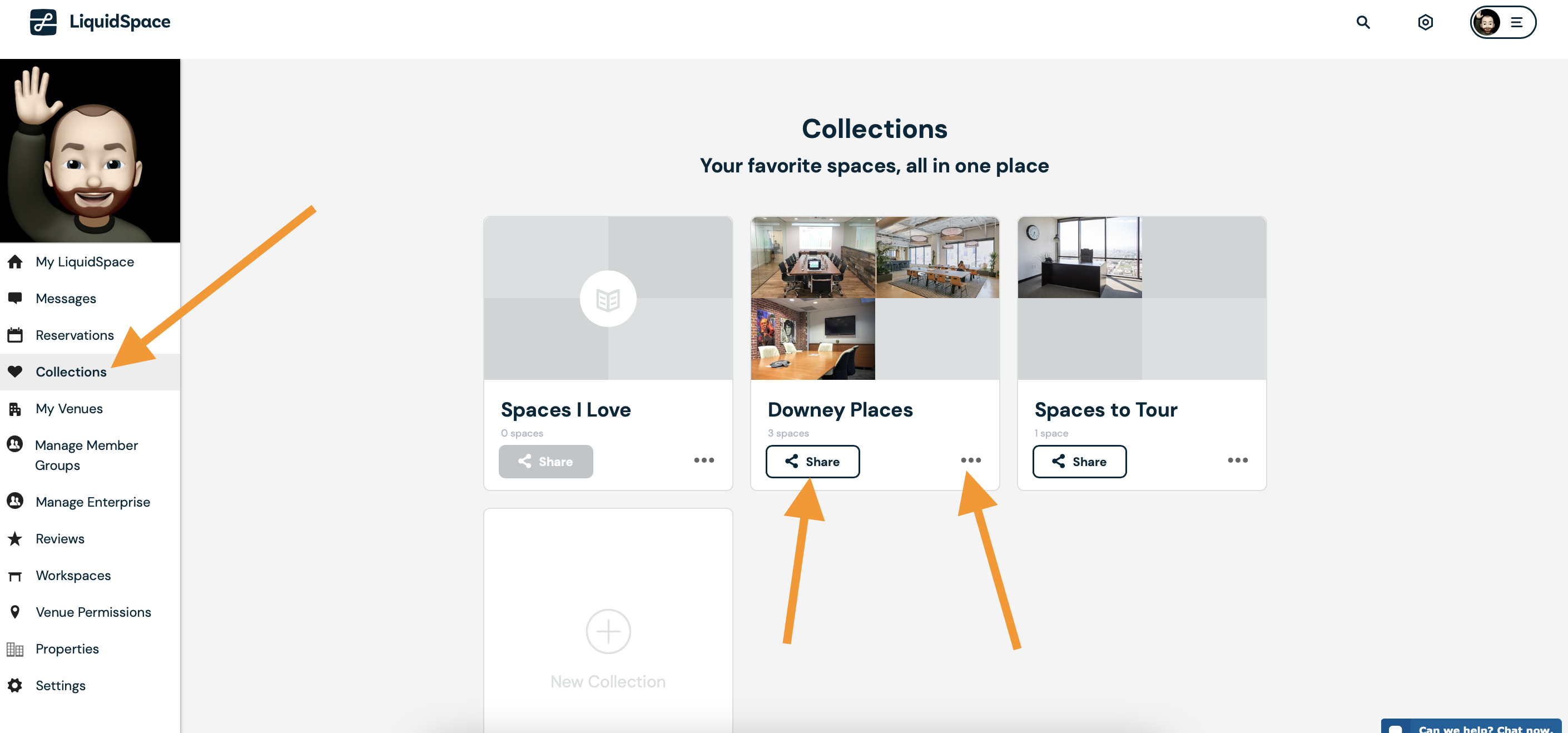
Once created, you can view or share your collections from My LiquidSpace.
If a collection is shared with you, you'll see it available in the Collections Shared With You section of this page. You can add a shared collection to your personal list by clicking the "Share" button.
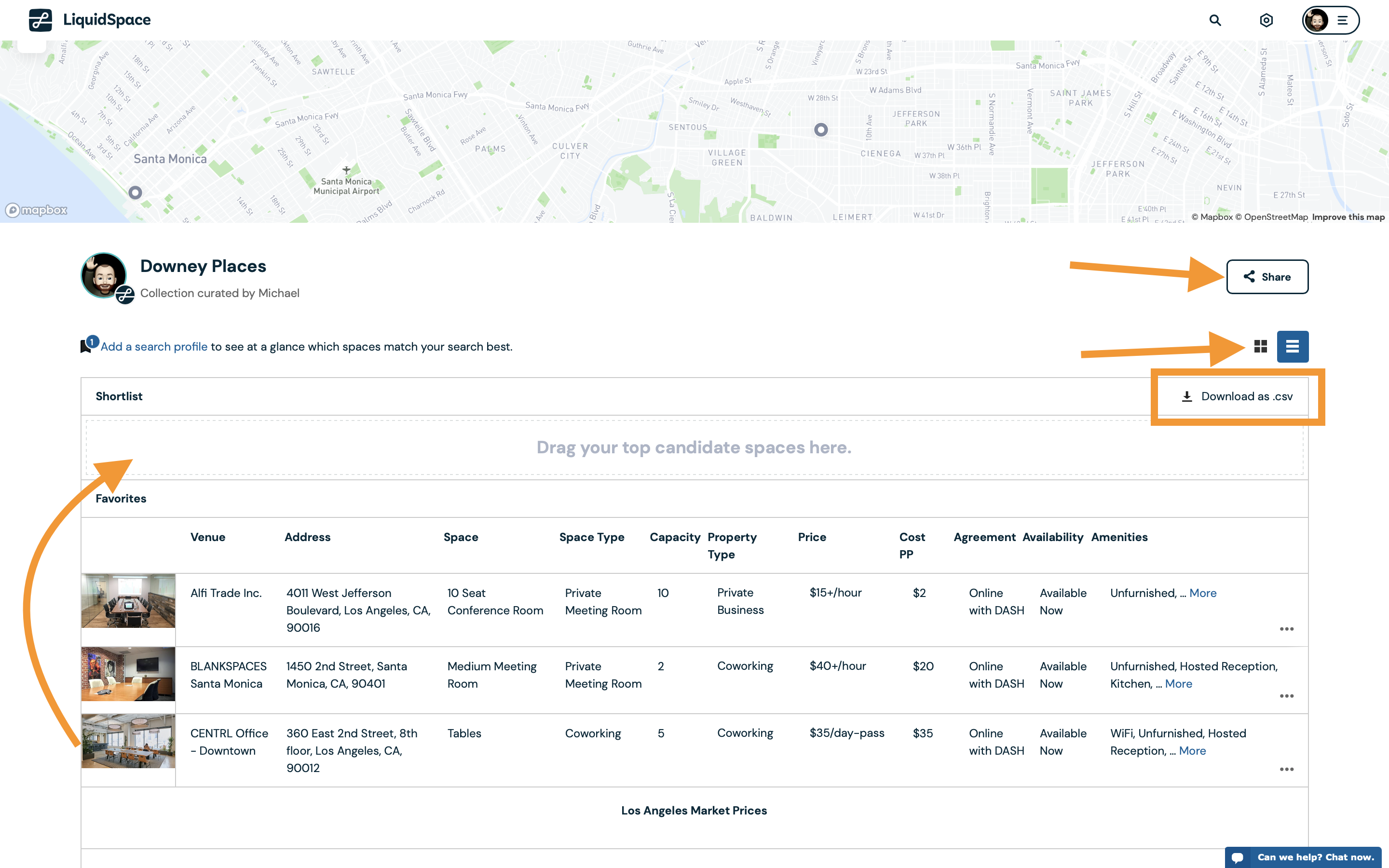
When you click into the collection, you're redirected to another view to organize the spaces you have or see a breakdown of the details of each space to compare them to one another. You can drag them into a Shortlist, download them in a .csv format, view them in 2 different styles, and share them with others.
Have questions? We're here to help!